
You should consider turning off 5G on your phone mainly to save battery life and improve connection reliability in areas where 5G coverage is weak or inconsistent — the faster network often demands more power and can cause your phone to struggle switching between signal types, leading to slower overall performance and quicker battery drain.
5G networks, especially the higher-frequency versions used by many carriers, require more power from your phone's radio to maintain a connection. This is particularly true when you're in a location with spotty 5G coverage, where your phone may constantly search for a stronger signal, jumping between 5G and 4G LTE. That constant searching and switching consumes significantly more battery than simply staying on a stable 4G connection.
Battery drain is the most commonly cited reason people turn off 5G. Many smartphone users report noticeably faster battery depletion when 5G is enabled, particularly in areas where coverage is inconsistent. If you're someone who relies on your phone lasting through a full workday without a charge, disabling 5G in favor of 4G LTE can make a meaningful difference, especially since most everyday tasks like browsing, texting, and streaming music don't require 5G speeds to function well.
Heat generation is another factor. Because 5G radios work harder to maintain connections, especially in weak-signal areas, phones can run warmer during extended use. This is more noticeable during activities like navigation, video calls, or hotspot use, where the phone is already working to process data and maintain a stable connection. Excess heat over time can also contribute to gradual battery wear, which affects your phone's long-term performance and capacity.
There's also the matter of inconsistent real-world speeds. While 5G is capable of delivering dramatically faster download and upload speeds compared to 4G LTE, those speeds depend heavily on being near a 5G tower, particularly for the higher-frequency variants that offer the biggest speed boosts but have shorter range. In suburban or rural areas, or even inside buildings, you may not get meaningfully faster service from 5G at all. In these cases, your phone could be using more battery and processing power without any real benefit in day-to-day speed.
Some users also point to signal stability. Phones switching between 4G and 5G networks can occasionally experience brief interruptions in connectivity, such as dropped calls or momentary data slowdowns, as the device negotiates which network to use. Sticking with a single, stable network type can reduce these minor but annoying interruptions, particularly for people who make frequent calls or rely on uninterrupted data access for work.
It's worth noting that turning off 5G is not necessary for everyone. If you live in a city with robust 5G infrastructure, regularly stream high-definition video, download large files, or use data-heavy applications, the speed benefits of 5G likely outweigh the battery trade-off. Modern phones have also gotten better at managing 5G power consumption through adaptive connectivity features that automatically adjust network usage based on what you're doing, which can reduce the drain somewhat without manual intervention.
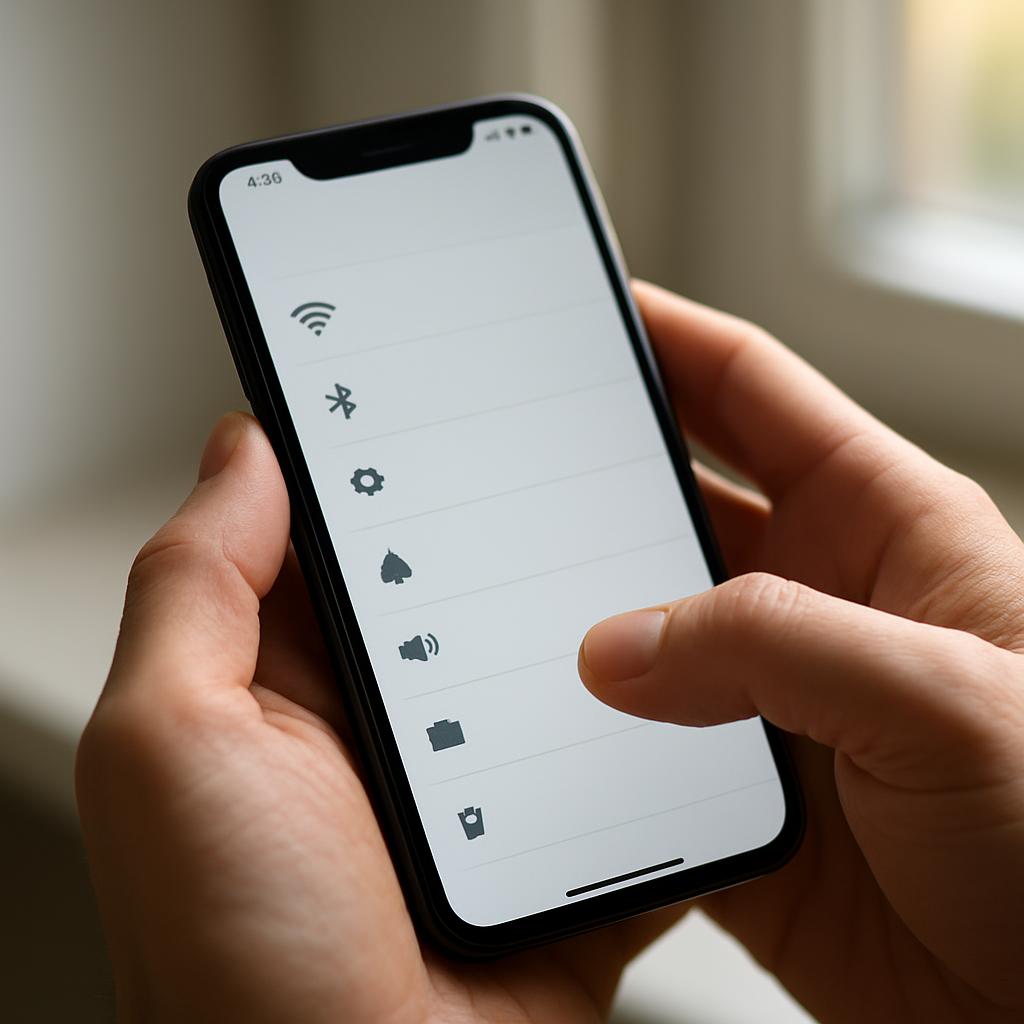
If you do decide to turn off 5G, most phones make it simple to switch back to 4G LTE-only mode through the network or cellular settings menu. Many devices also offer an option to use 5G only when connected to Wi-Fi is unavailable, or to enable 5G automatically only for specific apps or tasks, giving you a middle ground between full 5G access and conserving battery.
Ultimately, whether to turn off 5G comes down to your personal priorities and your local coverage. If maximizing battery life and avoiding connectivity hiccups matters more to you than having the fastest possible download speeds, switching to 4G LTE is a simple, reversible way to test whether it improves your phone's day-to-day performance.